Pick & Cook
Turn your pantry into a focused Tonight list. Compare up to three choices, check what is missing, cook, then confirm what you used.
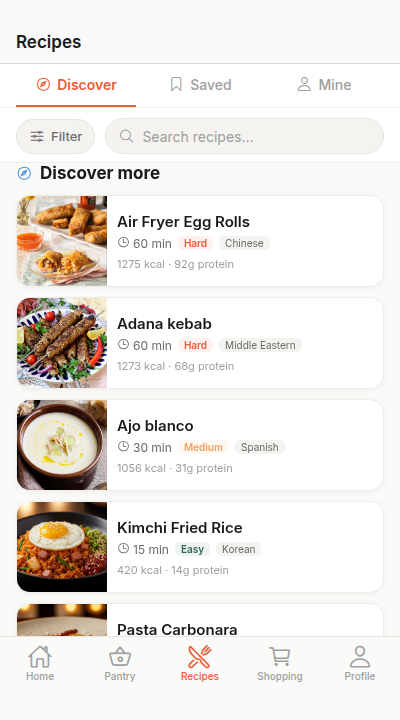
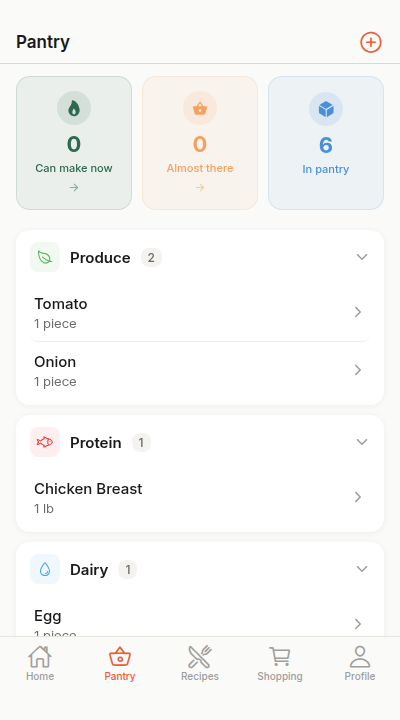
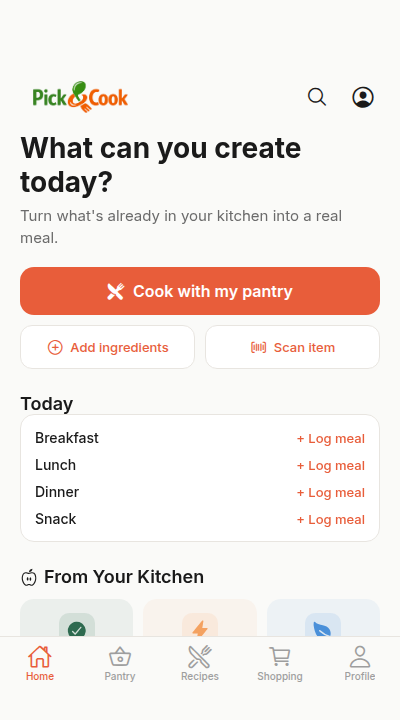
Connect every part of your kitchen
One workspace.
Everything for your kitchen.
Pantry
Track ingredients and optional expiration dates.
Recipes
See up to three pantry-aware choices for Tonight.
Shopping
Review missing ingredients and add the ones you need.
Meal Plan
Plan your week and stop the 6 PM panic.
Three choices for tonight.
Start with one pantry-aware pick and up to two alternatives. Review the ingredient match before deciding what to cook.
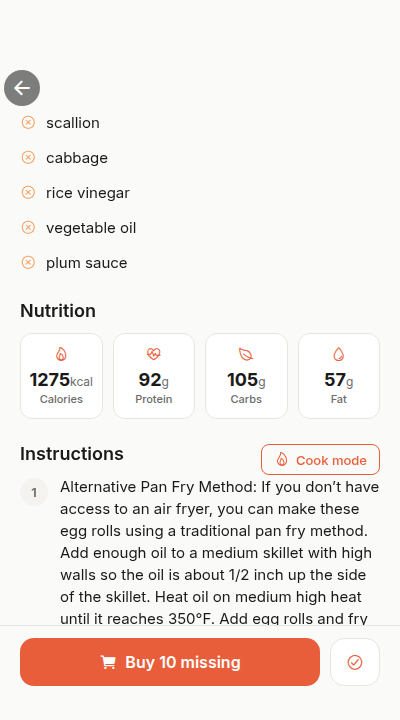
Cook one step at a time.
Follow large, step-by-step instructions and use built-in timers where a recipe includes them.
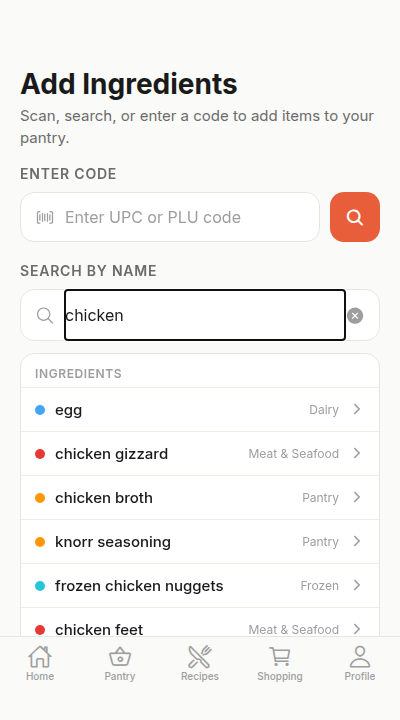
Scan a receipt.
Stock your pantry.
Snap a grocery receipt, review the extracted products, correct any uncertain matches, then confirm what should enter your pantry.
A focused dinner loop
Open Pick & Cook.
Choose tonight.
Start with a short pantry-aware list, then take one recipe through cooking and confirmation.